




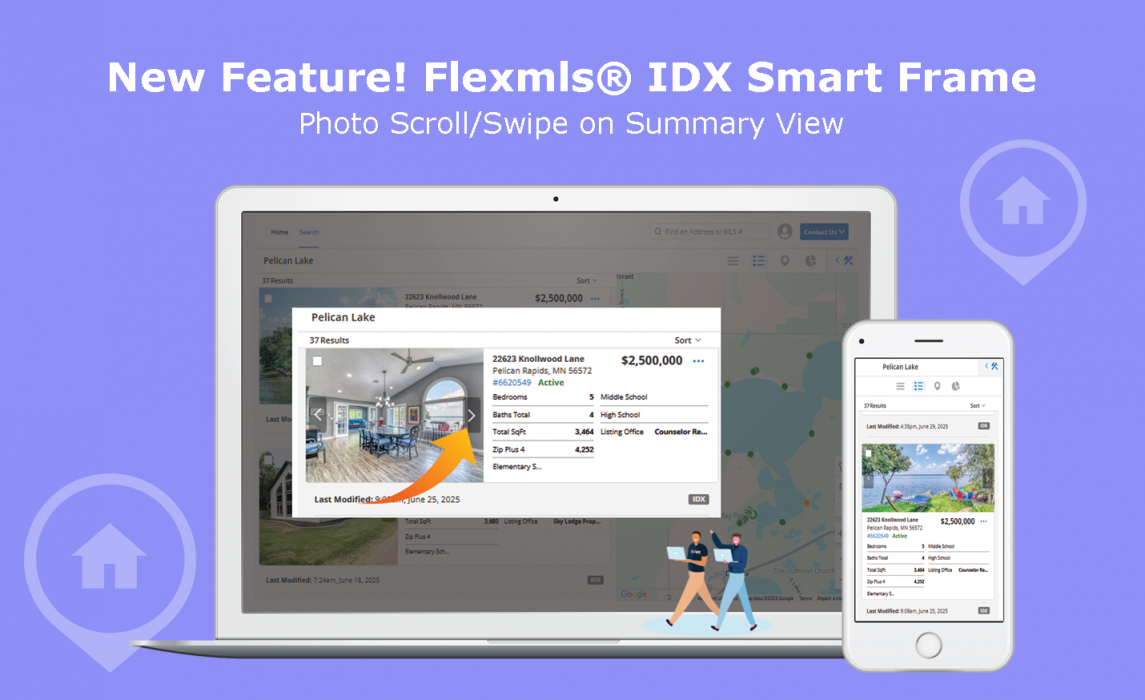
We are pleased to announce that our development team has added new arrows to the left and right of the listing photo on the Summary view of the IDX Smart Frame Search Results, so your IDX Website visitors can easily advance to the next photo(s) without leaving their search results. Plus, if your site visitors are using a phone or tablet, they can easily swipe to scroll using finger touch controls on touch devices without losing their place in your IDX Website.
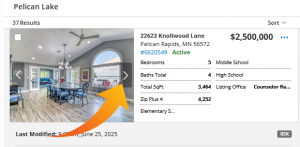
Here’s how it works in Summary Search Results View:
- Listings that have more than one photo will show left and right arrows.
- Click the arrows to scroll through the photos without opening the full listing.
- To open the full listing, click on the photo itself or the info on the right side of the listing card.
- If using a phone or tablet, simply use touch screen swipe to scroll through the photos.
This new feature is also available in the Smart Frames that are included with the IDX WordPress Plugin Suite.
If you are not already a subscriber to one of our Flexmls IDX Solutions, take a few minutes to get a free, personalized guided tour from an IDX Product Consultant by clicking the button below or give them a call at 866-320-9977 today.

Here’s to your success!
Be sure to check out our Product News page to stay up to date on new product announcements such as: